Getting Started with HelpKidzLearn Guides.
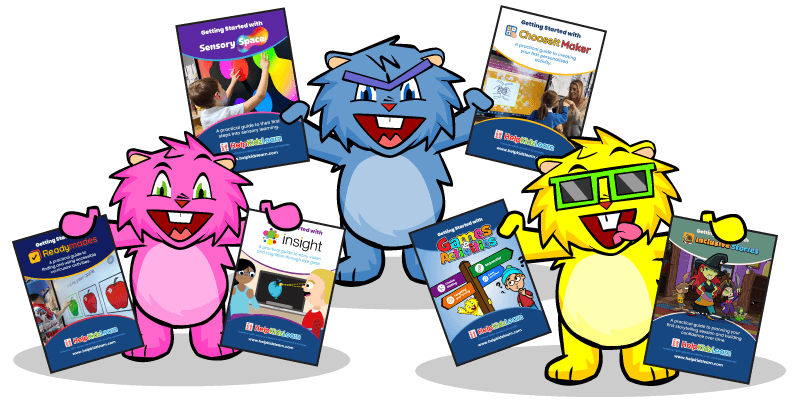
New to HelpKidzLearn, or introducing a product to a new colleague? Our free Getting Started guides give you a clear, practical introduction to each product, so you can feel confident from your very first session.
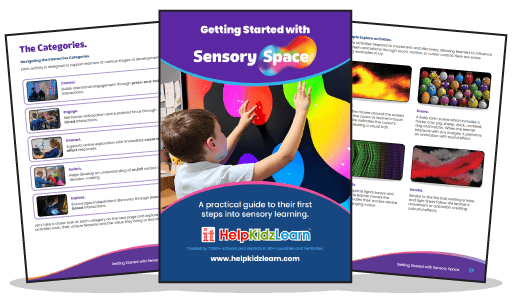
Getting Started with Sensory Space.
Sensory Space is full of interactive sensory activities, and this free guide helps you use them with confidence. You’ll find clear step-by-step instructions, practical ideas for adapting activities to suit different learners, and tips for creating a calm, engaging and meaningful sensory experience. It’s ideal whether you’re using Sensory Space for the first time or want to explore it more deeply.
Getting Started with Games & Activities.
New to Games & Activities, or looking for a clearer way to choose activities? Our free guide explains the learning milestones, helps you choose suitable activities, supports different access methods and shows you how to spot meaningful progress. It’s also a handy quick introduction for new teachers, support staff and therapists.

Getting Started with Inclusive Stories.
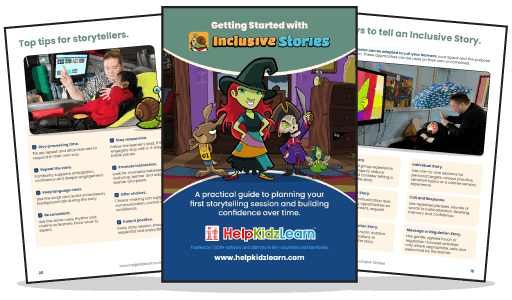
Planning your first interactive sensory story? Our free guide helps you choose a story, prepare sensory props and create a welcoming environment for story time. You’ll discover ways to encourage communication, anticipation and choice making, how learners can take part using touch, mouse, switch or eye gaze, and how to get the most from the accompanying story resources.
Getting Started with ChooseIt Maker.
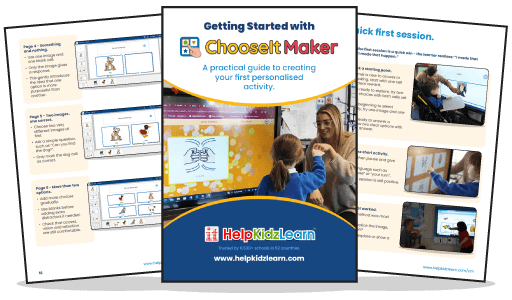
Ready to create your first personalised activity? Our free step-by-step guide shows you how to build activities from scratch using your own photos, symbols, text and sounds, even if you’ve never used ChooseIt Maker before. Learn how to support choice-making skills, make activities accessible for different learners, and save time with Student Profiles, Playlists and Student Analytics.
Getting Started with ChooseIt Readymades.
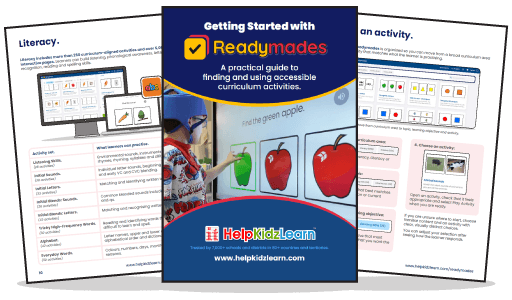
With over 660 ready-to-use curriculum activities, it helps to know where to begin. Our free guide shows you how to find the right Numeracy, Literacy and Science activities for your learners, support different access methods and recognise meaningful progress. You’ll also find tips for running your first session and keeping things organised with Student Profiles, Playlists and Student Analytics.
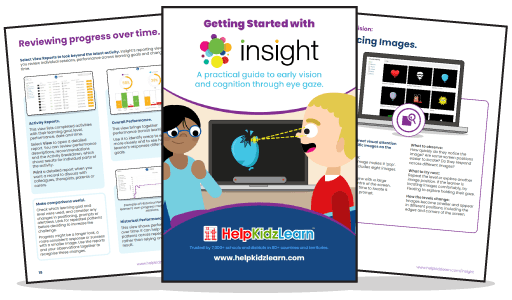
Getting Started with Insight.
New to eye gaze? Our free guide walks you through preparing your first Insight session, from setting up your eye tracker and positioning learners comfortably to choosing where to start in Early Vision and Early Cognition. You’ll learn what to look out for during activities, how to recognise small but meaningful signs of progress, and how to use Insight’s reports to plan next steps.