Getting Started with ChooseIt Readymades Guide.
Discover how to make curriculum learning more accessible. Download our free guide for practical advice on finding activities, supporting learners and building confidence across Numeracy, Literacy and Science.
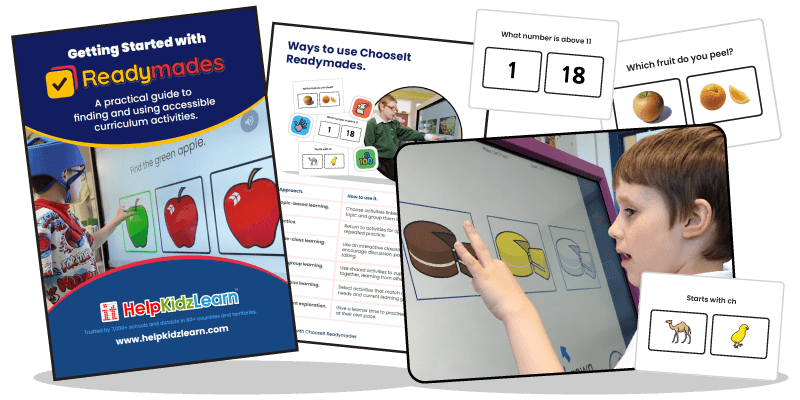
Download the Getting Started Guide.
ChooseIt Readymades offers more than 660 ready-to-use, multiple-choice activities designed to make curriculum learning accessible, engaging and rewarding for learners with special educational needs. Our free Getting Started Guide helps you explore the collection, find activities that match your learners' needs and make the most of ChooseIt Readymades in your teaching.
What the guide helps you do.
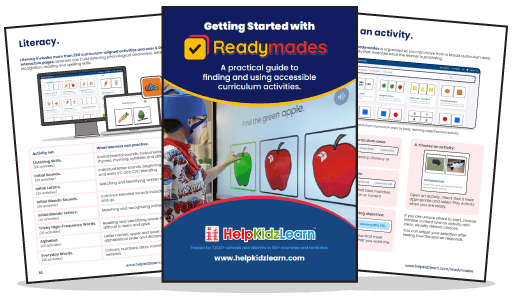
Get started with ChooseIt Readymades quickly and confidently, with practical guidance to help you find, use and get the most from the activities. • Find the right activities – learn how to browse by curriculum area, topic and learning objective to match activities to your learners' needs. • Explore the curriculum – discover the Numeracy, Literacy and Science collections and the skills learners can practise. • Support different access methods – find guidance on using touch, mouse, switches and eye gaze to make activities accessible. • Build confidence and recognise progress – learn how to support learners during activities, encourage participation and identify meaningful signs of development. • Make sessions easier to manage – discover how Student Profiles, Playlists and Student Analytics can help you organise activities, save settings and review progress.
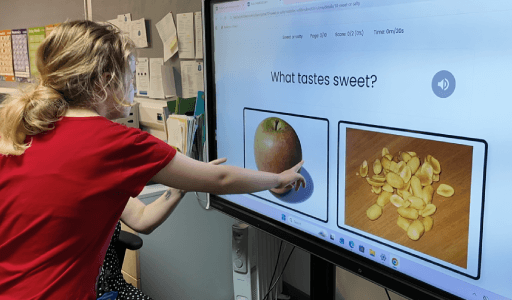
Find suitable activities without the preparation.
With hundreds of activities available, knowing where to begin can sometimes feel overwhelming. Our Getting Started Guide shows you how to quickly narrow your search, choose an appropriate learning objective and select an activity that matches what your learner is practising. There's no need to create resources from scratch. Simply choose a topic, find an activity and start exploring. You'll also find practical advice on running your first session, supporting learners as they respond and deciding what to try next.
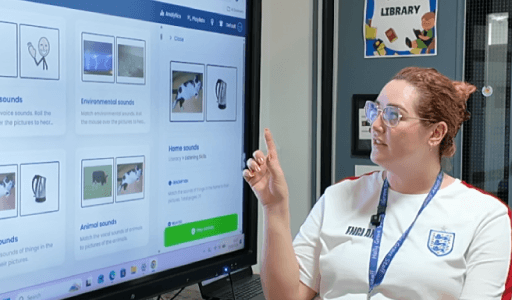
A practical resource for your whole team.
ChooseIt Readymades can be used for one-to-one teaching, small-group sessions, whole-class learning and independent practice. The Getting Started Guide gives teachers, teaching assistants, therapists and support staff a clear introduction to the software, helping everyone make the most of the activities. It's particularly useful when welcoming new staff, planning lessons or introducing ChooseIt Readymades to colleagues who may be unfamiliar with the software. Share the guide during induction, training or team planning to help create consistent, purposeful learning experiences.