ChooseIt Maker vs ChooseIt Readymades
ChooseIt Maker and ChooseIt Readymades both make choice-based learning accessible and engaging. The main difference is simple: do you want to create activities yourself or have them ready to use?
How do they compare?
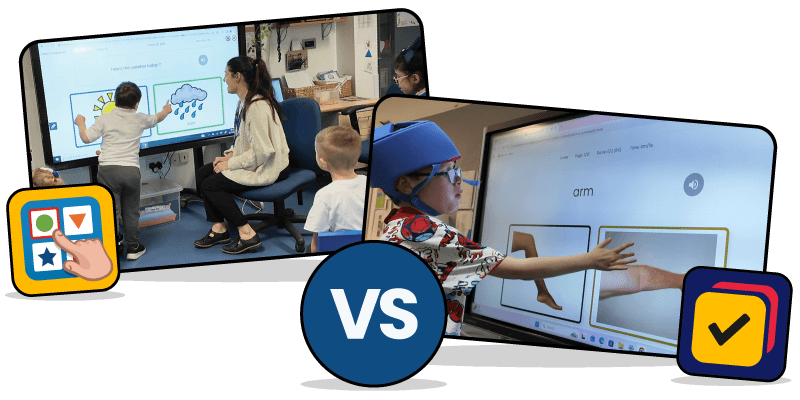
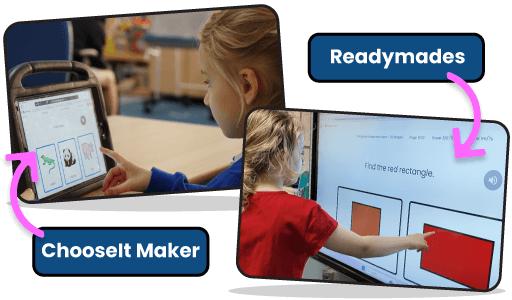
Both products use the familiar ChooseIt approach to help learners make choices, answer questions and take part in accessible learning activities. ChooseIt Maker gives you complete control over the content, so you can create activities around individual interests, routines, communication goals and learning needs. ChooseIt Readymades saves you time with more than 660 pre-made accessible activities across literacy, numeracy and science. Whichever you choose, learners benefit from accessible choice-making activities, positive reinforcement and detailed Student Analytics.
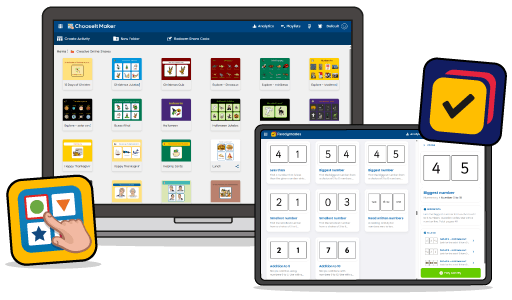
Choose ChooseIt Maker for personalised learning.
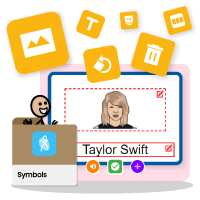
ChooseIt Maker lets you create activities around what matters to each learner. Upload your own photos, choose from more than 30,000 symbols including Widgit and SymbolStix, add text-to-speech, or record your own voice and sounds to make activities feel familiar and meaningful. You can create activities for almost any purpose, from taking the register, quizzes and comprehension questions to choosing snacks, cause and effect activities, learning names and much more. It is especially useful when you want to adapt content around a learner’s interests, communication goals, routines or individual learning needs.
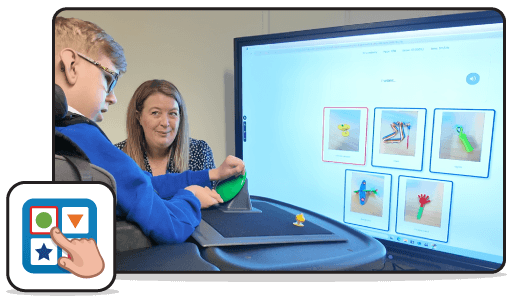
Choose Readymades for activities ready to use.
ChooseIt Readymades gives you instant access to more than 660 pre-made accessible activities across literacy, numeracy and science. There is no need to build activities from scratch. Simply choose an activity, select a learner and start learning. It is ideal when you want curriculum-focused activities that are quick to find, easy to use and already designed to support accessible choice making.
Which should I start with?
ChooseIt Maker
Start here when you want to personalise learning around a learner's interests, routines, communication goals or individual learning needs.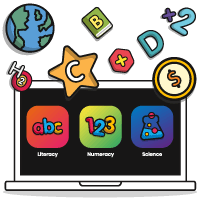
ChooseIt Readymades
Start here when you want more than 660 ready-made literacy, numeracy and science activities that you can use straight away.
Both
Use them together when you want the flexibility of personalised activities alongside a ready-made library of accessible curriculum learning.
Can learners use both?
Yes. ChooseIt Maker and ChooseIt Readymades can work naturally alongside each other. You might use Readymades for curriculum learning, then create a ChooseIt Maker activity around a particular topic, concept or learner who would benefit from more personalised content. A learner might also use familiar, motivating ChooseIt Maker activities to build confidence with making choices before applying those skills in ready-made learning activities. There is no need to choose only one approach.
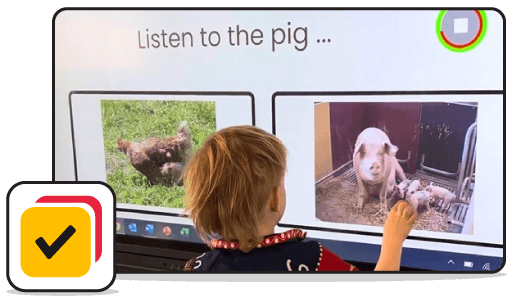
Positive reinforcement built in.
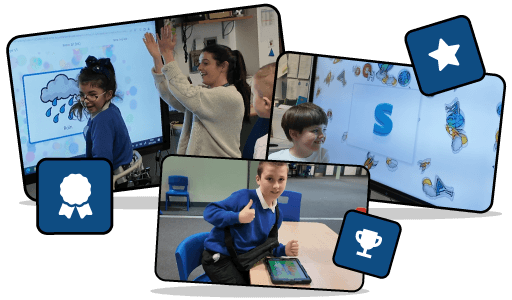
Both ChooseIt Maker and ChooseIt Readymades use positive reinforcement to keep learners motivated and engaged. Correct answers can unlock celebratory animations, music and spoken encouragement, helping activities feel rewarding while giving learners clear feedback on their choices.
Track learning with Student Analytics.
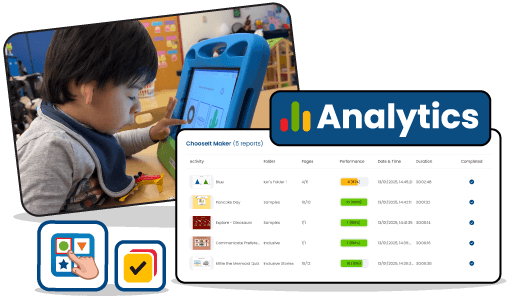
Both products include Student Analytics, helping you understand how learners are engaging with activities and how they are progressing over time. You can see which activities a learner has played, how many pages they completed, overall performance scores, session dates and how long they were engaged. Per-page analytics can also show attempts per question, accuracy, time spent on each page and details about the activity content. This gives you a clearer picture of how a learner is responding, rather than simply whether they completed an activity.
What about switch, touch, mouse and eye gaze access?
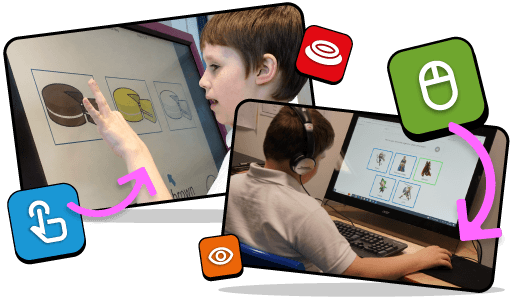
ChooseIt Maker and ChooseIt Readymades both support accessible choice-making using touch, switches, eye gaze and mouse access. The access method does not determine which product to choose. Think instead about whether you need personalised content, ready-made curriculum activities or a combination of both.
Still not sure which to choose?
Think about what would be most useful in your learning sessions. If you want to create activities around a particular learner, interest, routine or communication goal, choose ChooseIt Maker. If you want accessible literacy, numeracy and science activities ready to use, choose ChooseIt Readymades. If you regularly need both personalised and curriculum-based activities, the two products can complement each other.