Getting Started with ChooseIt Maker Guide.
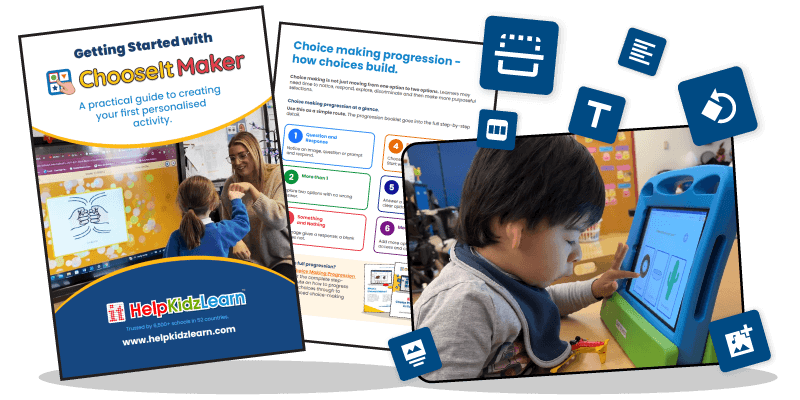
Learn how to create personalised activities with confidence. Download our free guide for practical advice on building activities, supporting choice making and making learning more meaningful.
Download the Getting Started Guide.
ChooseIt Maker makes it easy to create accessible learning activities using your own images, symbols, text and sounds. From simple cause and effect activities to more advanced choice-making tasks, you can create resources that reflect each learner's interests, abilities and goals. Complete the form below to download your free Getting Started Guide.
What the guide helps you do.
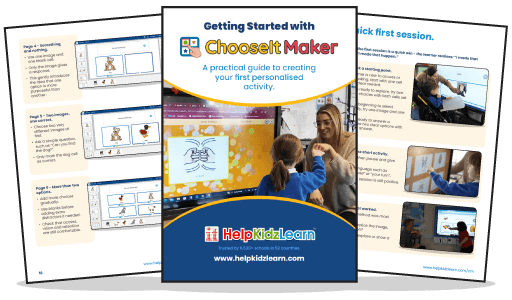
Our step-by-step guide gives you the confidence to start creating personalised activities, even if you've never used ChooseIt Maker before. • Create your first activity – follow simple instructions to build activities from scratch, including choosing layouts, adding cells and setting up questions and answers. • Make learning personal – discover how to add symbols, photographs, text, recorded audio and sounds to create meaningful activities. • Support choice-making skills – understand how to gradually build activities from early responses to more purposeful selections. • Make activities accessible – explore options for touch, mouse, switch scanning and eye gaze to suit different learners. • Save time and stay organised – learn how to duplicate and share activities, use Student Profiles and Playlists, and review progress with Student Analytics.
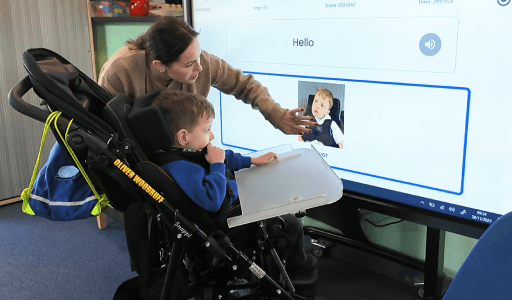
Create activities that make learning personal.
Every learner has different interests, abilities and learning goals. ChooseIt Maker gives you the flexibility to build activities around what matters to them. Create simple cause and effect activities, interactive quizzes, communication opportunities and curriculum-based learning resources. Use familiar photographs, favourite characters, meaningful sounds or your own recorded voice to make activities more engaging. The guide shows you how to start with a single cell and gradually introduce more choices, helping learners build confidence, independence and purposeful interaction at their own pace.
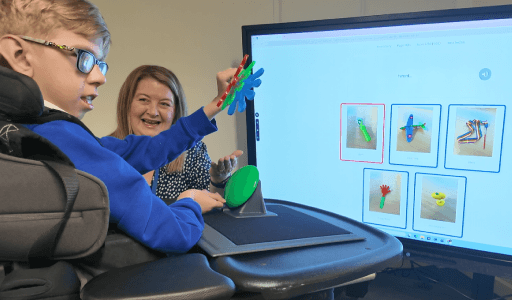
A practical resource for your whole team.
Creating personalised activities doesn't have to fall to one person. The guide is a useful resource for teachers, teaching assistants, therapists and support staff who want to make the most of ChooseIt Maker. It's especially helpful when introducing the software to new colleagues, supporting staff training or sharing activity creation responsibilities across your setting. With guidance on duplicating and sharing activities, your team can work together to create consistent, meaningful learning opportunities.
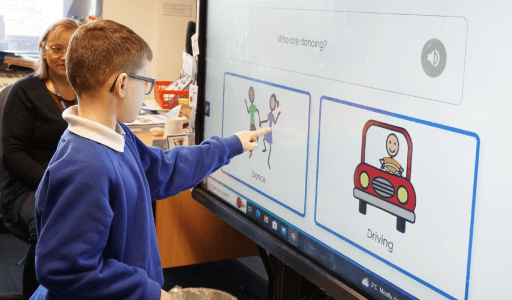
Supporting choice-making progression.
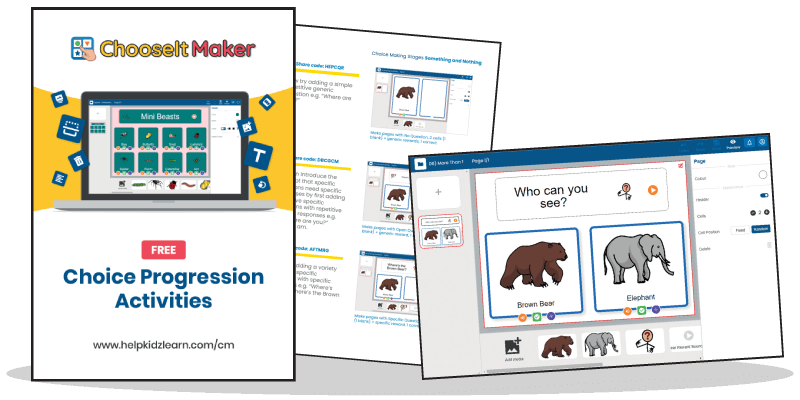
The Getting Started Guide introduces the key stages of choice-making development, helping you understand how to increase the challenge as learners become more confident. For a deeper look at developing these skills, explore our Choice Making Progression booklet, which provides a structured pathway from early responses through to more advanced choices.