New Finger Paint activities in Games & Activities
Five new painting activities invite learners to make their mark, explore colour and discover what their actions can create in Games & Activities.
Let them make their mark.
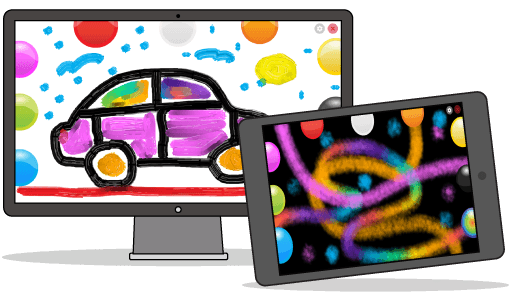
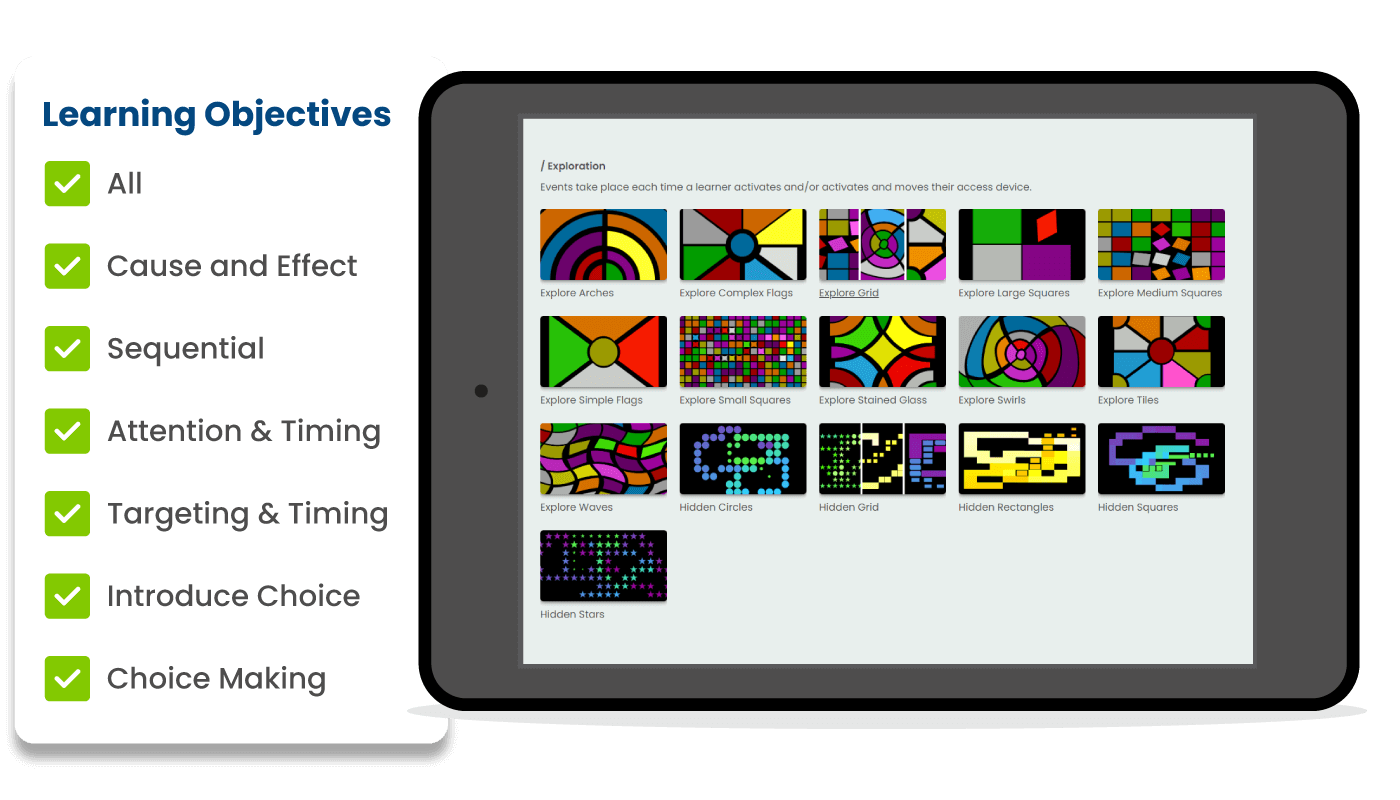
Finger Paint has joined the Exploration milestone within Cause & Effect in Games & Activities, alongside three new ways to paint. Learners can make marks across the screen and hear music as they explore different colours. Each activity offers a different visual effect, from glowing strokes to colours that blend together. The learner leads the experience. They might repeat a movement, try another colour or pause to look at the marks they have made. Their actions shape what appears on screen, giving them room to explore at their own pace. See the activities below.
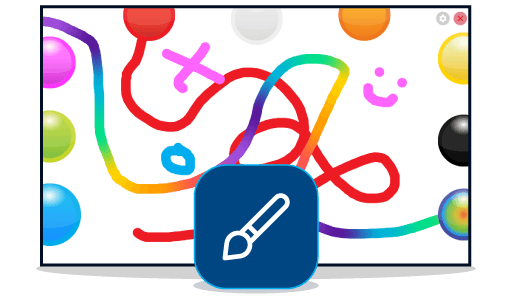
Finger Paint.
Start with a bright canvas and a choice of colours. As learners paint, they can watch their marks appear and hear the music associated with each colour.
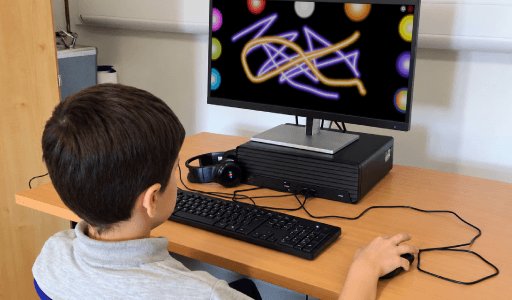
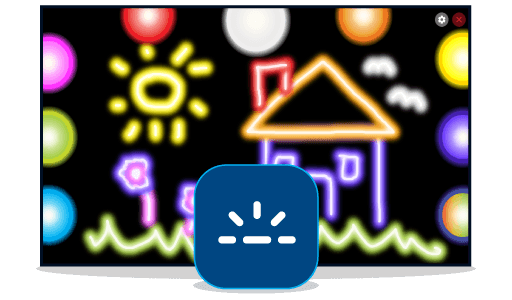
Finger Paint with Fluorescence.
Glowing colours stand out against a dark background. Learners can move across the screen to create bright trails and watch their picture grow.
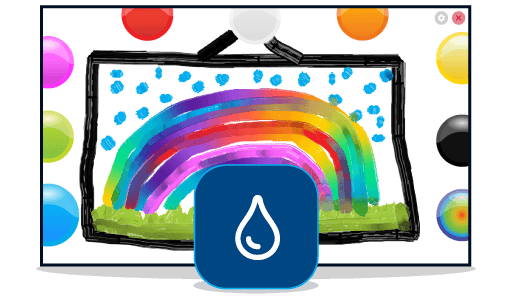
Finger Paint with Oils.
Oil paint effects give learners a different way to experiment. Colours can blend together as they paint, changing the picture with each new mark.
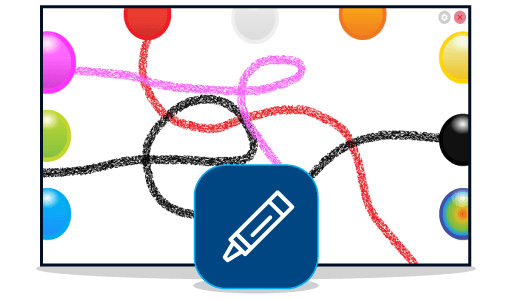
Finger Paint with Crayons.
Crayon-style strokes bring a rougher, more textured look to mark-making. Learners can fill the screen with lines, patterns and colour.
Finger Paint with Spray.
Explore a spray paint effect and see how it changes the look of the picture as learners add colour to the screen.
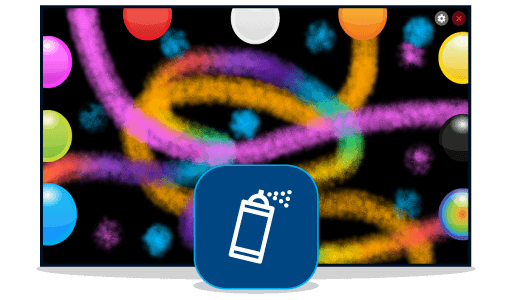
Different ways to take part.
Learners can paint using touch, switch, mouse or eye gaze. With touch or a mouse, they press and move to make marks. With eye gaze, they move their gaze across the screen to paint without needing to click. One-switch access offers another route into the activity. Each press adds a coloured mark in a random place, so the learner can make something happen without needing to target a particular part of the screen.
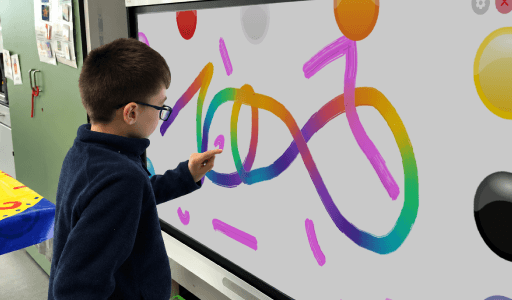
Why choose an Exploration activity?
In the Exploration milestone, learners activate or move to create different effects across the screen. Finger Paint gives them an immediate visual result and music to accompany their marks. It is a useful choice when a learner is ready to go beyond a single response and explore what happens as they activate again or move in different ways. Look for signs of curiosity: do they repeat an action, follow a mark across the screen or notice when a new colour changes the picture? These small moments can help you see how they are beginning to connect their actions with what happens next.
Simple ideas for a first session.
• Begin with one style. Choose the visual effect that is most likely to interest your learner, then give them time to explore it. • Model, then pause. Make a mark together and wait to see what they notice or try next. • Follow their lead. If they repeat a movement or activation, give them space to see how the picture changes. • Talk about what happens. Words such as ‘more’, ‘move’, ‘colour’ and ‘again’ can help you share the experience. • Try another style later. Keep the interaction familiar while introducing a different painting effect.
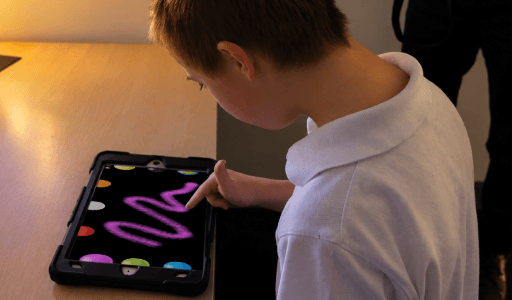
Available now in Games & Activities.
All five new Finger Paint activities are available within Cause & Effect > Exploration in Games & Activities. Already subscribed? Open Launch Hub and choose a learner profile to begin. New to HelpKidzLearn? Start a free trial and explore the activities with your learners.