ChooseIt Maker for AAC: Free Boards and Simple Ideas.
Help learners say hello, share how they feel, make choices and take part in everyday routines with ready-made ChooseIt Maker activities.
Free ChooseIt Maker activities to try.
Use these ready-made boards to support greetings, feelings, registration and simple choices. They are quick to start, easy to adapt and designed for a wide range of learners. Use the free activities below as they are, or personalise them with your own photos, symbols, sounds and recorded speech.
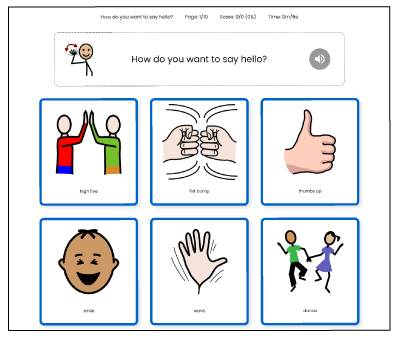
Hello Boards
A fun way for learners to choose how they’d like to greet others. Positive reinforcement is built into every option. Includes wave, thumbs up, dance, fist bump, high five and smile. 🟡 Share code: FBJKHF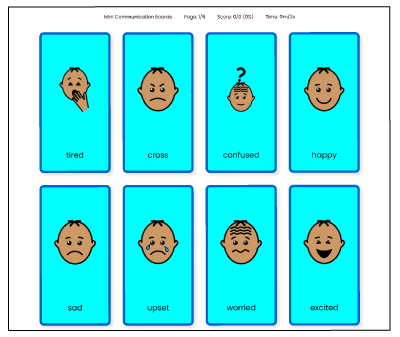
Mini Communication Boards
A visual way to build language over time. The activity includes 4 communication boards for feelings, general needs, snack choices and regulation. 🟡 Share code: BGEHLC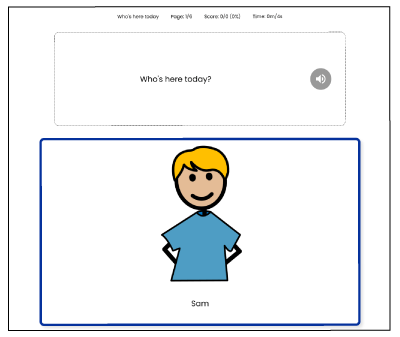
Who’s Here Today
A simple registration board for learners to say “I’m here!” It includes multiple formats to show what’s possible, such as cells with a single student, just names, multiple students etc. 🟡 Share code: KCFUAH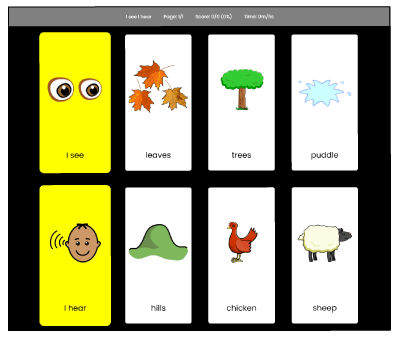
“I See, I Hear” Board for Walks
A single screen that invites exploration when outdoors. Learners select ‘I see’ and ‘I hear’ as sentence starters, then choose what they notice. Includes leaves, hills, trees, chicken, puddles and sheep. 🟡 Share code: LQBDCE
Why ChooseIt Maker for communication?
ChooseIt Maker lets you build clear, personalised boards in minutes. Use it for requests, choices, greetings, and storytelling. It works with touch, switch, eye gaze, and mouse. You can model as a partner or invite the learner to lead. Small steps add up.
How to use these boards.
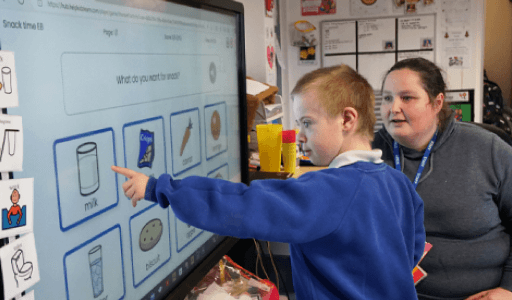
Start with one simple routine, such as morning registration, a feelings check-in or choosing an activity. 1. Add the activity using the share code 2. Try it with your learner or group 3. Personalise it with your own photos, symbols, sounds or recorded speech 4. Choose the right access method, including touch, switch, mouse or eye gaze 5. Repeat the activity as part of a familiar routine You can use the boards on a whiteboard, touchscreen, iPad or computer.
How ChooseIt Maker is used - everyday participation.
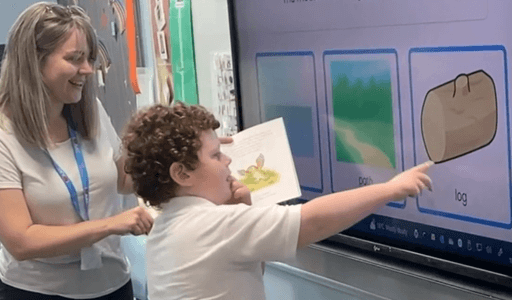
Holly Grove Primary School in Burnley, UK, supports children with a wide range of needs. Staff wanted simple tools that could be personalised and shared across devices. They chose ChooseIt Maker to create boards for registration, topic work, phonics, and emotional regulation. Learners now make real choices and take part more often.
How ChooseIt Maker is used - building language with Blank Levels.
Staff at Ysgol Y Gogarth in Swansea, Wales, use ChooseIt Maker with Blank Levels to build language and thinking skills. They create boards from familiar stories and daily routines, where learners practise naming and matching first. Over time they move to describing and simple reasoning. Sessions stay short and positive and layouts stay the same so pupils can focus on the words.
Access options and set-up.
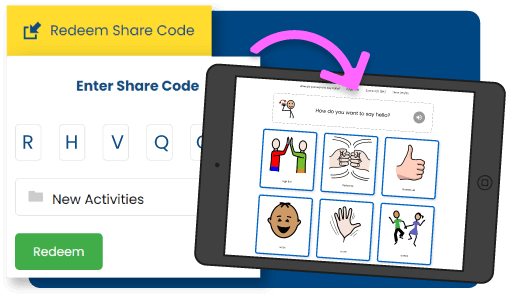
1. Log in to ChooseIt Maker 2. Select Redeem Share Code 3. Paste the code and press Redeem ChooseIt Maker works with touch, switch access, eye gaze, and mouse. You can use it on a wide range of devices including large interactive boards and iPads. You can use the ChooseIt Player app for offline access once you've finalised your activities.