Sensory Space AAC Support Pack.
Printable AAC resources to help learners communicate during sensory exploration, interaction and early engagement.
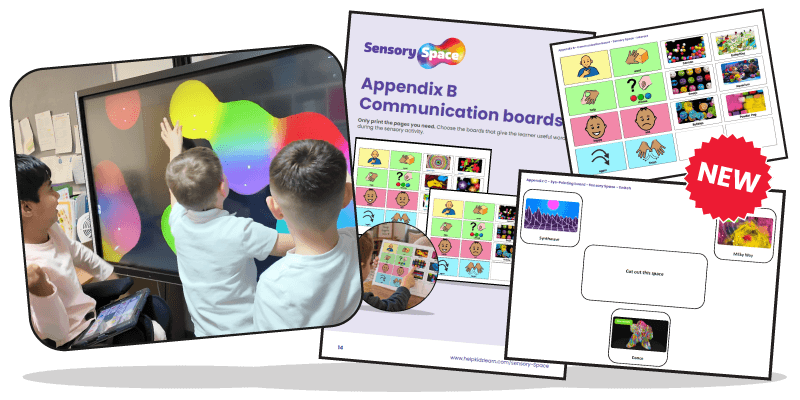
Download your free AAC Support Pack.
Simply complete the form to download the Sensory Space AAC Support Pack.
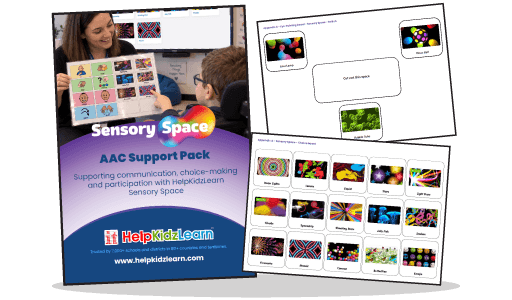
Support communication during sensory moments.
Sensory Space activities are often about small but important responses. A learner may look towards the screen, press a switch, wait for something to happen, react to a sound or show that they want an effect to continue. The AAC resources help you notice those responses, give them meaning and model useful language around them. Learners can point, look, use eye gaze, select with support, use partner-assisted scanning or respond through their existing communication method.

Help learners take control.
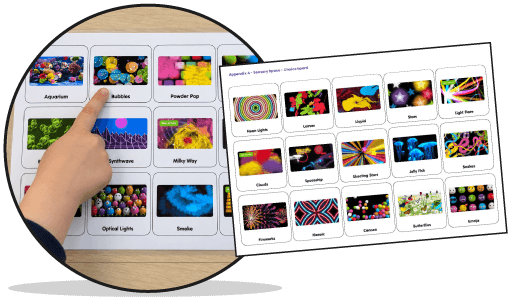
Use the choice boards to help learners choose which Sensory Space activity they would like to explore. You can offer a small number of motivating activities, use the full board for learners who are ready for more choice, or cut out individual symbols to use in now and next boards, visual schedules or familiar sensory routines. These boards are especially useful when introducing a session, offering a choice between different sensory experiences or helping learners return to a favourite activity.
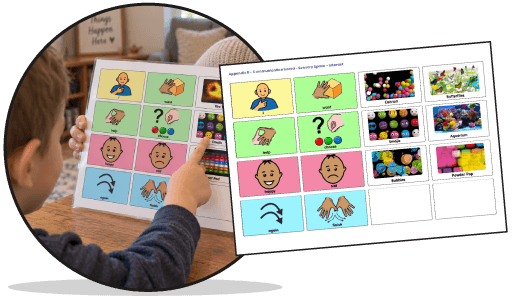
Give learners words during the activity.
Use the communication boards while the learner is taking part, so they have words available when something happens. Learners can communicate messages such as more, again, stop, help, like, don’t like, see, hear, want and finish. Adults can model a word as the activity plays, pause, then respond to the learner’s communication. This might mean repeating an effect, stopping the activity, changing the choice or commenting back.
Support looking, waiting and responding.
Use the eye-pointing boards with learners who communicate by looking, use eye gaze or need partner-assisted scanning. The boards give learners a clear way to show a choice or response without needing to touch the screen or printed resource. An adult can offer the options, wait, observe the learner’s response and confirm the message before continuing. This works particularly well in Sensory Space because many activities naturally encourage looking, waiting, reacting and repeating.
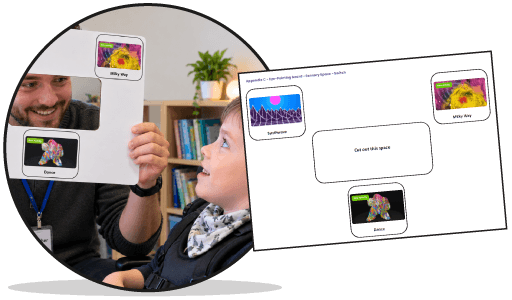
Focused digital choices with ChooseIt Maker.
The pack also includes selected ChooseIt Maker examples to support simple digital choice-making. These can be useful when you want learners to practise choosing between activities, show whether they like or do not like something, or use repeated vocabulary in a more focused digital format.
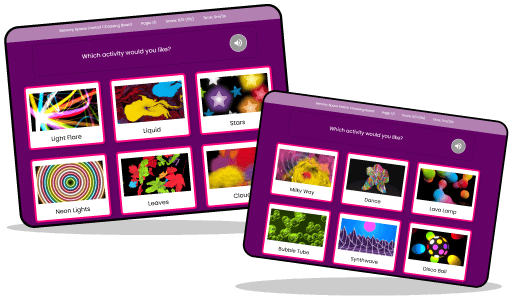
Designed to sit alongside your sensory sessions.
You can use the resources before, during or after Sensory Space activities. Before the activity, learners might choose what they want to explore. During the activity, they might ask for more, stop, respond or comment. Afterwards, they might show what they liked or choose what to do next. The printable resources are designed to be used alongside Sensory Space. They can also be used alongside a learner’s existing AAC system where appropriate, but they are not intended to replace a high-tech AAC device.

Not yet using Sensory Space?
Related resources
Discover AAC packs for other HelpKidzLearn products.
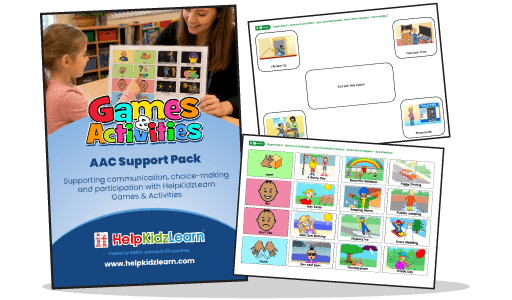
Games & Activities AAC Support Pack
Use this pack to help learners choose activities, request more, ask for help, stop, comment and share whether they like or do not like an activity.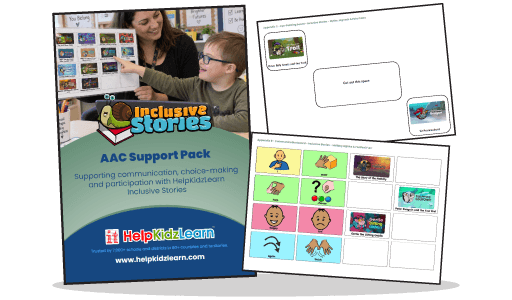
Inclusive Stories AAC Support Pack
Use this pack to help learners choose stories, respond to characters, ask to hear something again, comment on what they see or hear and share what they like.