World Cup Resources for Special Education.
Celebrate the World Cup with two free ChooseIt Maker activities designed to support choice-making, engagement and accessible learning.
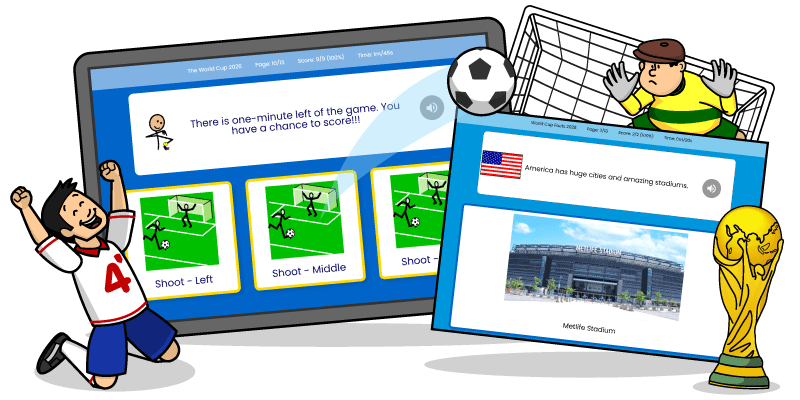
Get the free World Cup activities.
Use the share codes below to add the activities to your ChooseIt Maker Hub.
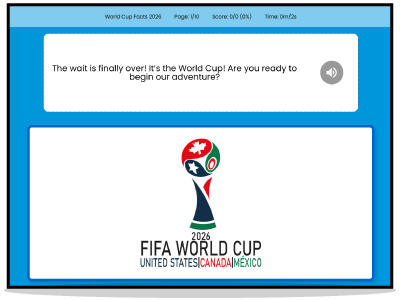
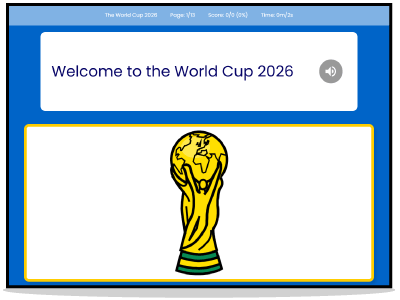
Activity 1: World Cup Facts.
Introduce learners to this year’s World Cup with a fun and accessible activity about stadiums, teams, matches and who they would like to cheer for. This activity is ideal for building topic knowledge, supporting discussion and helping learners engage with a major world event through clear, structured choices.
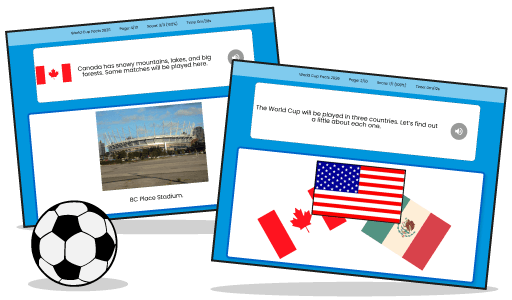
Activity 2: Score the Winning Goal.
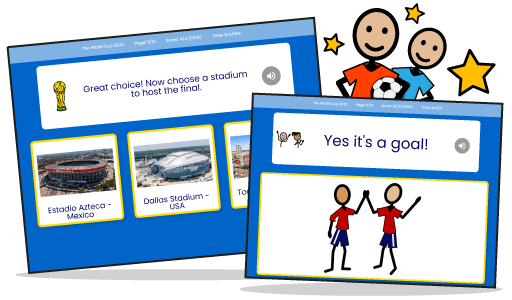
Let learners create their own World Cup moment. They can choose where to play, their favourite team, the stadium, their shirt colour and their shirt number. Then they decide where to shoot before scoring the winning goal. It’s a playful activity that supports decision-making, personal expression and participation in a fun football-themed setting.
Why these activities are useful for special education.
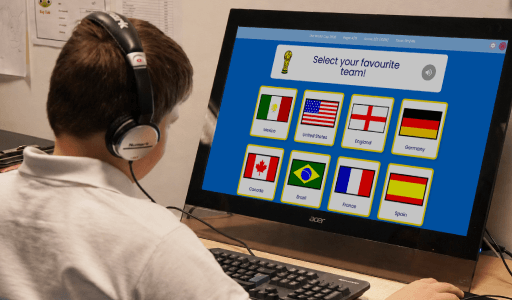
The World Cup is a brilliant opportunity to use a familiar and exciting theme to support learning. These activities help learners practise making choices, showing preferences, building attention and taking part in a shared topic. They can also support communication, turn-taking, discussion and confidence. Because they are made in ChooseIt Maker, they can be used flexibly with learners who access activities through touch, mouse, switch or eye gaze.
Ways to use these activities.
Use them as part of a World Cup topic, a sports-themed session or a quick activity linked to current events. They can also be used to encourage learners to choose a team, talk about colours, explore countries, practise turn-taking or make predictions about matches.
New to ChooseIt Maker?
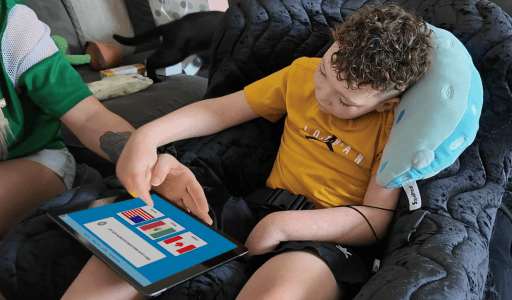
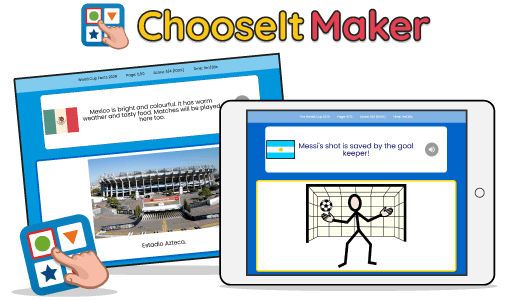
ChooseIt Maker helps you create personalised choice-making activities using photographs, images, symbols, text, and sounds. You can build activities around learners’ interests, curriculum topics, communication goals and everyday routines. Activities can be played using touch, mouse, switch or eye gaze, making them accessible for a wide range of learners. Start a free trial to use these World Cup activities and create your own personalised learning resources.
FAQ
Do I need ChooseIt Maker to use these activities?
You can use the share codes in two ways. For the full ChooseIt Maker experience, sign into your Hub or start a free trial. This lets you add the activities, edit them and personalise them for your learners. You can also play the activities using the free ChooseIt Maker iPad Player app. Please note that the app is for playing shared activities only, so the activities cannot be edited there.
Can I use the activities during a free trial?
Yes. Start a free trial, sign into the Hub and use the share codes to add the activities.
Can the activities be edited?
Yes. Once the activities are added to your ChooseIt Maker Hub, you can edit and personalise them to suit your learners. Activities played through the free iPad Player app cannot be edited.
What access methods can learners use?
ChooseIt Maker activities can be accessed using touch, mouse, switch or eye gaze.