Accessible Learning Software for Switch, Eye Gaze, Touch & Mouse.
HelpKidzLearn provides accessible learning activities for children with special educational needs, including severe, profound and complex needs. Our software supports a range of access methods, including switches, eye gaze, touch screens, mouse and keyboard.
Start with how your learner accesses technology.
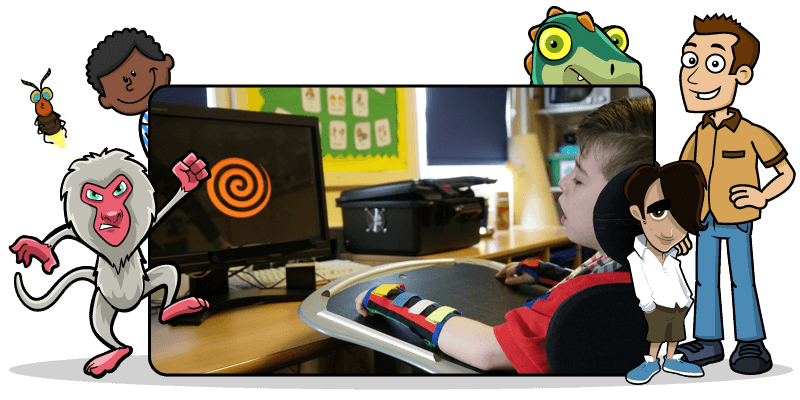
Choosing the right activity starts with understanding how a learner can take part successfully. Some learners may be beginning to explore cause and effect with a switch. Others may use eye gaze, direct touch or a mouse to explore, target and make choices. HelpKidzLearn gives you the flexibility to choose activities that match each learner’s current access skills and learning goals.
Switch accessible learning.
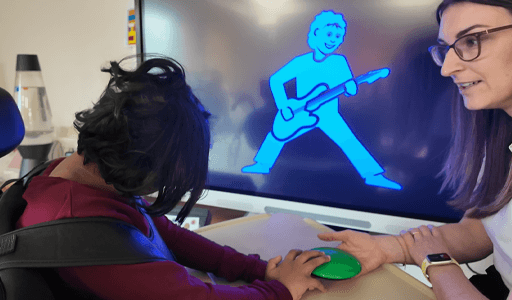
All HelpKidzLearn products support one and two switch access. For learners developing switch skills, Sensory Space and Games & Activities are the best places to start. Sensory Space supports early interaction, sensory engagement and cause and effect. Games & Activities then supports a broader progression of switch skills, from cause and effect through timing and targeting to purposeful choice making. Learners can use switches to: • Explore cause and effect • Develop more purposeful switch use • Practise attention and timing • Make selections and choices • Build greater independence when accessing technology
Eye gaze accessible learning.
Eye gaze can give learners with physical access needs a way to explore, interact and make choices using their eyes. HelpKidzLearn activities support skills including visual attention, exploration, targeting and purposeful selection. Insight is designed specifically to assess and develop early vision and cognition skills using eye gaze, while other HelpKidzLearn products provide opportunities to practise eye gaze access through motivating learning activities.
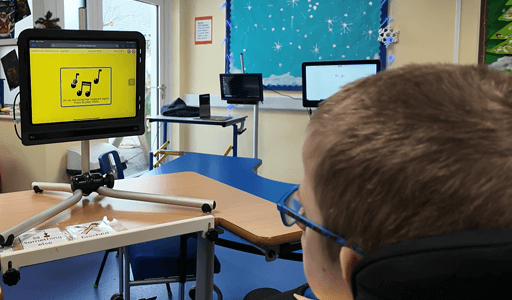
Touch screen access.
HelpKidzLearn activities can be accessed using touch screens and interactive classroom displays, giving learners a direct way to explore and interact with content. Touch can support: • Exploration and engagement • Cause and effect • Targeting • Choice making • More independent interaction Activities can be chosen according to the learner’s current skills and learning goals.
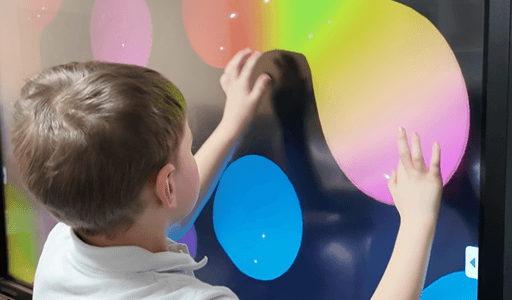
Mouse and keyboard access.
Learners can also access HelpKidzLearn using a mouse and keyboard. Activities can provide opportunities to practise moving a pointer, targeting, clicking, dragging, making choices and navigating activities more independently. For learners using alternative pointing devices, many of the same activities can also support the development of targeting and selection skills.
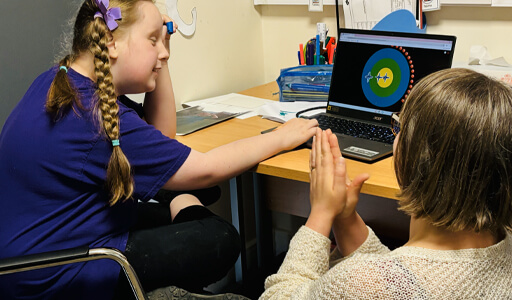
Access method is only the starting point.
Two learners may use the same access method but need very different activities. Start by thinking about how they access technology now, what they can already do independently, and the skill you want to develop next. HelpKidzLearn lets you choose activities around the learner’s current access skills and learning goals.
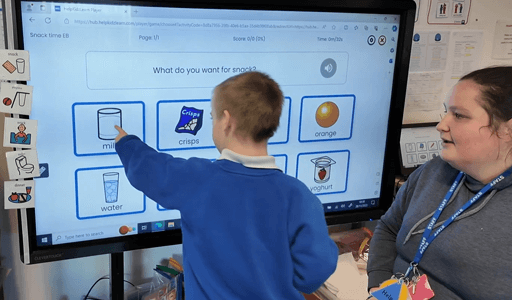
Free eye gaze & switch access guides.
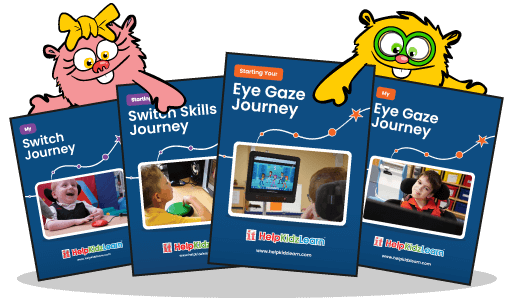
Need support developing skills for eye gaze and switches? Our free guides include practical advice, activity ideas and progress tracking tools to help you support learners developing switch and eye gaze skills.