Personalise Sensory Space with Custom Colours and Music
When an online sensory activity feels right for the learner, engagement comes more naturally, but what feels calming and motivating for one learner may not work for another. With Sensory Space, you can quickly change the colours and music in each activity to create an experience that feels better matched to their needs and preferences.
Create a sensory experience that suits each learner
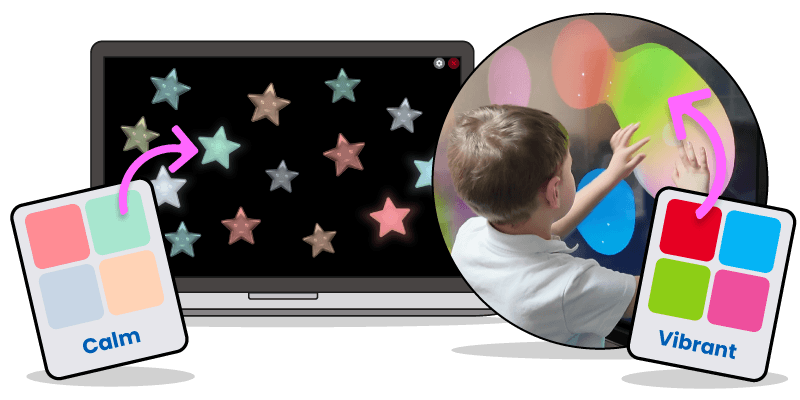
Sensory Space gives you more than engaging sensory activities. It gives you the freedom to tailor each experience to the learner in front of you. Every activity comes with a default colour scheme and soundtrack, but you can easily change both to create a sensory experience that feels right for each learner, session or setting.
Change colours to support mood, focus and visual engagement
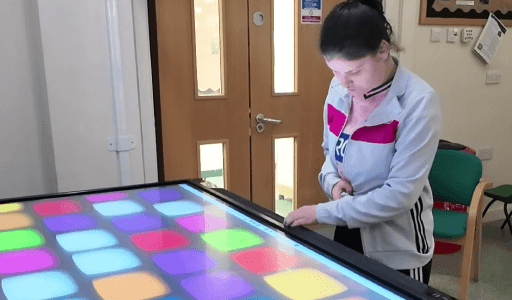
Each activity includes a default colour palette, but this can be changed in just a few clicks. Choose calming colours to create a more relaxed sensory experience, or select brighter, bolder palettes to encourage alertness, attention and visual tracking. This makes it easier to match the activity to the learner’s needs and the goal of the session.
Choose music that matches the moment
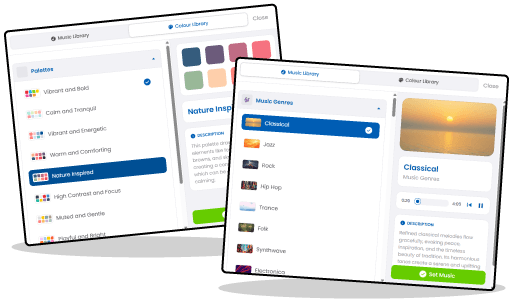
Sensory Space also allows you to change the soundtrack for each activity. You can preview different AI-generated tracks and choose the one that best fits your learner and environment. From gentle nature-inspired sounds to more upbeat melodies, the music options help shape the mood of the activity and can support calm, movement, focus and engagement.
Support choice making and learner preferences
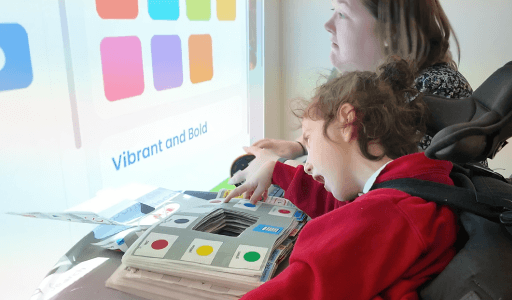
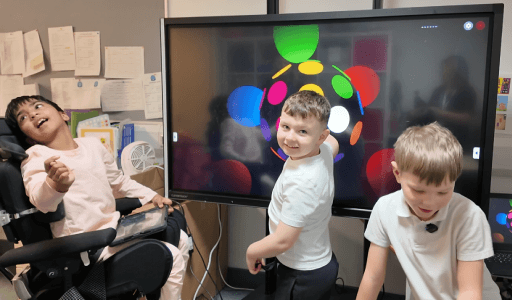
Changing colours and music is not just about settings. It is also a great opportunity to support learner choice making. You can involve the learner in selecting the colours or soundtrack they prefer, helping them take a more active role in their session and making the experience feel more motivating and personal. The framework also recommends checking colour and music choices with the learner where possible.
Quick and easy to personalise
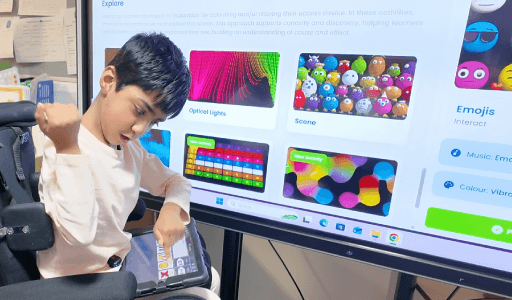
It’s simple to customise an activity in Sensory Space. Open the activity, click the Music tab to preview and select a track, then click the Colour tab to choose a palette. Once you’re happy with your choices, press Play and the activity is ready to use. This makes it easy to make quick adjustments for different learners without slowing down the session.