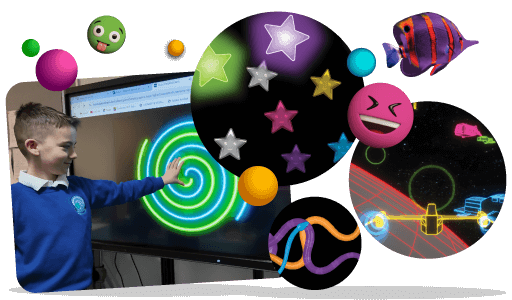
New Milky Way and Dance activities in Sensory Space!
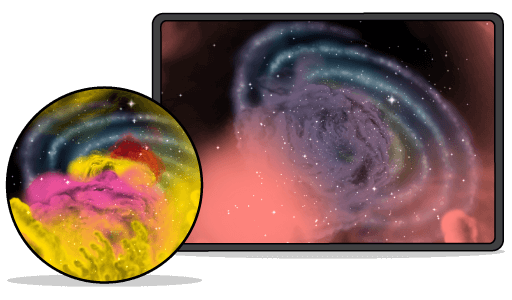
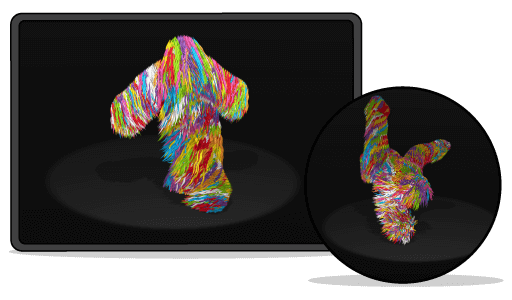
Two fresh Switch activities have landed in Sensory Space. Meet Milky Way for calm moments, and Dance for feel good energy.
Why Switch matters.
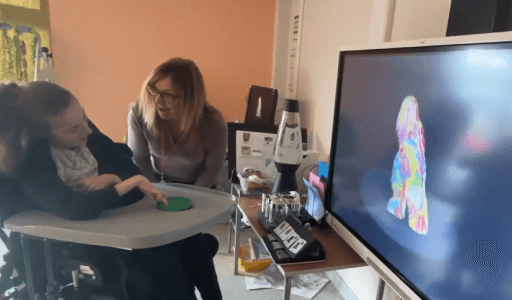
Switch activities introduce learners to a really clear idea: on and off. One activation starts the animation, and the next activation stops it. That simple start stop pattern helps learners see that their action controls what happens, building cause and effect, confidence, and independence with an access device.
Quick start tips.
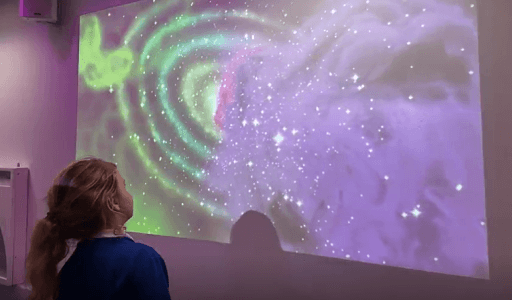
Keep it simple, predictable, and enjoyable. Switch is all about making “on” and “off” feel meaningful. 💜 Start with Milky Way for a calmer session, or choose Dance if you want something upbeat. Let learners pick first. 💜 Model the pattern: “Press to turn it on… press again to turn it off.” Use the same words each time. 💜 Pause after each press so learners can notice the change and anticipate what happens next. 💜 Build a little routine by adding Milky Way and Dance to a Playlist, so it’s easy to repeat across sessions. 💜 Celebrate every activation (even tiny ones). A clear response is the whole point of Switch.
Recent new activities
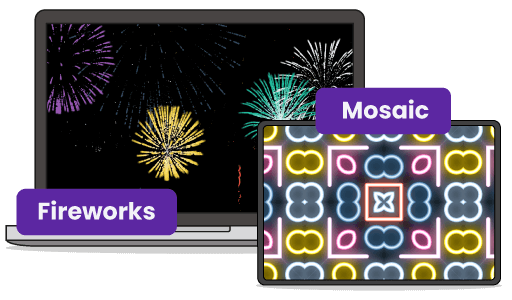
If you’re enjoying Switch, you might also want to try the newest additions in our other categories: New Interact activities: Bubbles and Powder Pop (press it again fun, with instant responses every time). New Engage activities: Fireworks and Mosaic (press and let go, great for attention and anticipation).
Personalise every session.
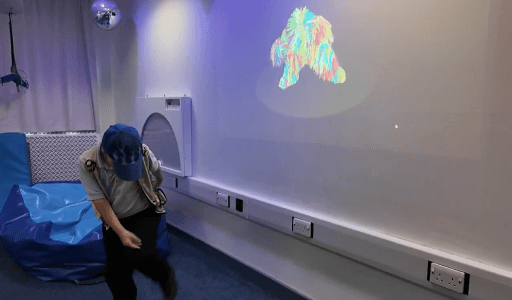
You can tailor every Sensory Space activity by changing colour palettes and choosing music, so it feels right for each learner. Want a calmer feel? Go for softer colours and gentler soundscapes. Need something more alerting? Choose brighter contrast and a more energetic track.
About Sensory Space.
Sensory Space is a collection of interactive, online sensory activities for learners with special educational needs, organised into five categories: Control, Engage, Interact, Switch, and Explore. It supports access methods including touch, switch, and eye gaze, and runs online on Windows, Mac, and Chromebook, with touch activities also available on iPad via supported browsers.