New Light Flare and Clouds activities in Sensory Space!
Two fresh Control activities are here, bringing press-and-hold cause and effect to life with bold visuals, music, and choice today.
🆕 Light Flare.
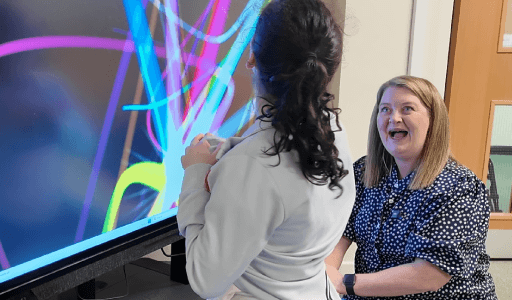
Light Flare is a glowing flare that moves and bursts across the screen, shifting in beautiful, energetic patterns. Because it uses the Control “press and hold” approach, the visuals and sound only happen while the learner is activating, then stop the moment they release. By default, Light Flare uses bright, neon-style colours, which can be especially helpful for learners with visual impairments and for developing visual tracking. The upbeat music adds energy and motivation, and both the colours and music can be changed to suit the learner.
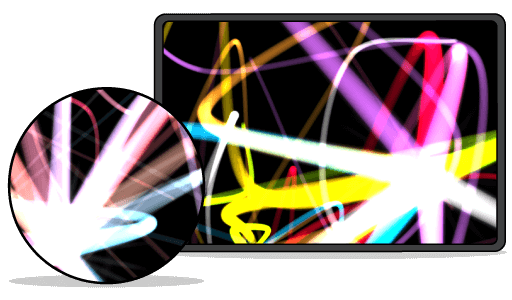
🆕 Clouds.
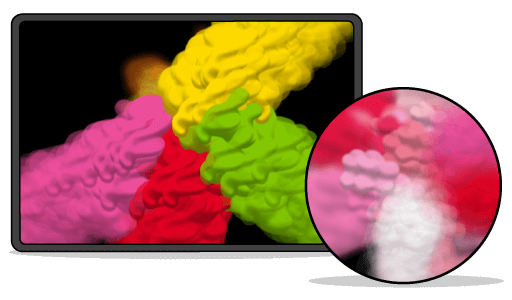
Clouds is a gentle, flowing activity where colourful clouds drift across the screen and morph into new shapes. As learners continue to activate, clouds collide, combine, and gradually fill the screen with a rich mix of colour. It defaults to vibrant colours and dramatic music, but it can quickly become a calmer, more soothing session by switching to muted palettes and relaxing audio. Sensory Space makes it easy to customise colours and music per activity, so you can match the experience to the moment and the learner.
Why Control matters.
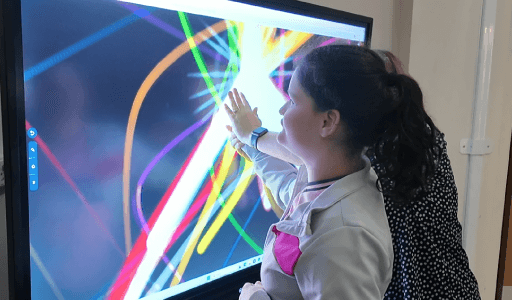
Control activities help learners begin to understand cause and effect through active engagement. In “press and hold” activities, the animation and audio only run while the learner is activating their access method, then stop immediately when the activation ends. That instant link between action and outcome helps build intentional interaction and a growing sense of control.
Quick start tips.
💜 Start with short turns, aiming for “press… stop… press… stop” so the learner notices the connection. 💜 Try mirroring the learner’s action with your language or symbols (e.g., “on”, “stop”, “again”) to reinforce meaning. 💜 Use the same activity regularly for a while, so the learner can build familiarity and confidence before you introduce variety.
New: Student Analytics for Control
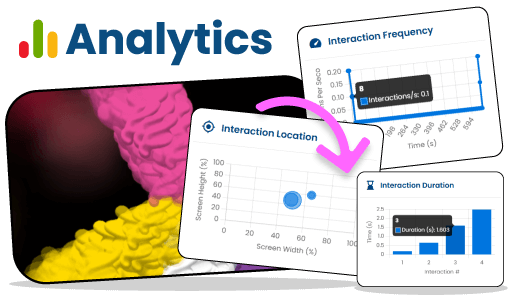
Control now includes Student Analytics, so you can see how a learner is interacting during “press and hold” sessions and spot small changes over time. You can track: 💜 Sustained activations – when activations happen and how long they’re held 💜 Interaction duration – how long each interaction lasts 💜 Interaction frequency – how interaction rate changes across the session 💜 Interaction location – where on the screen the learner is activating You’ll also get quick insights including total interaction duration, average activation duration, longest interaction, and total interactions. This can be useful for reviewing access, monitoring stamina, and showing progress in a clear, measurable way.
Build on Control with Engage.
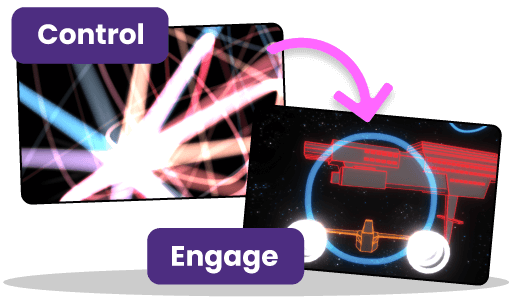
Once a learner is starting to understand Control (press and hold), the next step is usually Engage. This is where they begin to learn press and let go - they activate, something happens, and it continues after they release. It’s a brilliant way to build confidence, intentional interaction, and anticipation as learners see their input create an ongoing result. From there, learners can progress to our other categories to build on their access skills.
Personalise every session.
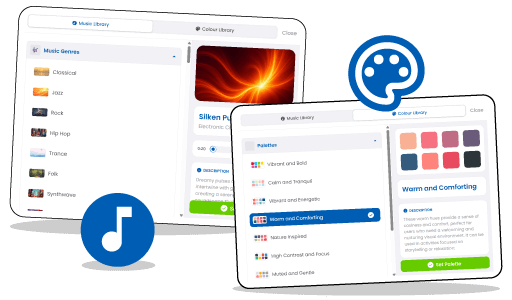
Every Sensory Space activity can be adapted with custom colour palettes and music, helping you create anything from calming routines to high-energy engagement. Some learners respond best to bold contrast, others to softer tones, and the same learner may need different settings on different days.
About Sensory Space.
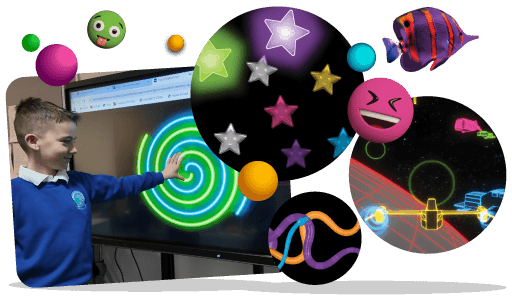
Sensory Space is part of HelpKidzLearn and provides interactive online sensory activities designed to support learners with special educational needs through sensory exploration, engagement, and cause-and-effect learning. It works across common access methods, including touch, switch and eye gaze, so learners can take part in a way that suits them.